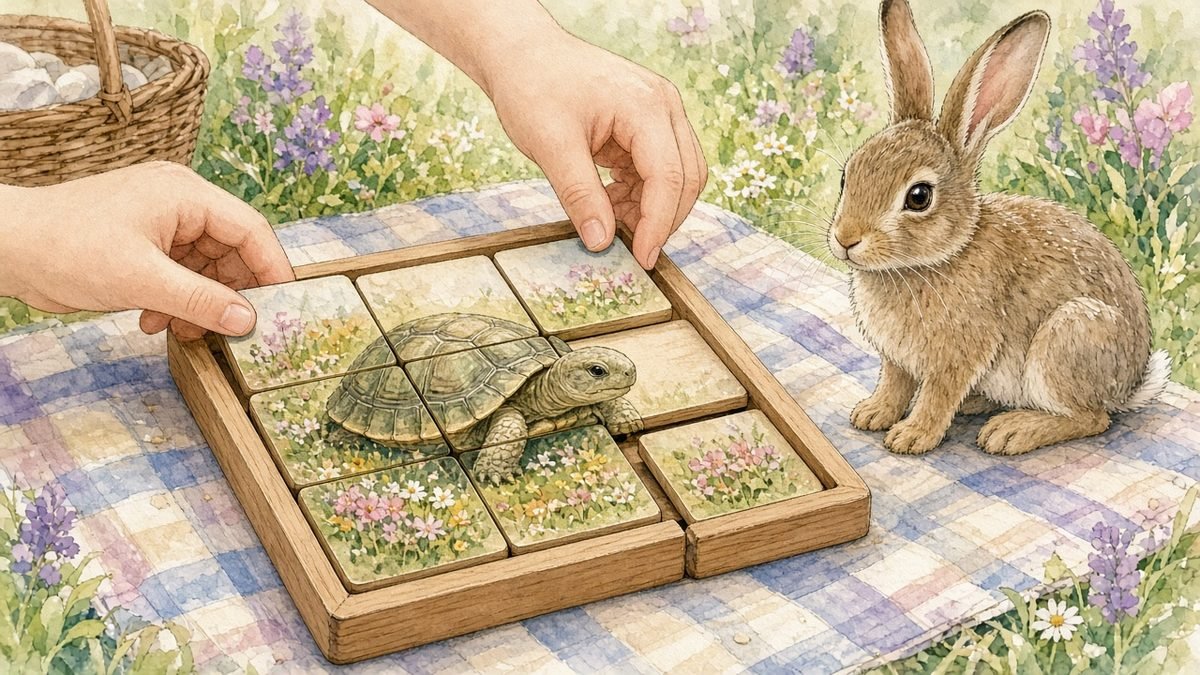
A sliding puzzle is a square board of tiles with one empty space. You can only move a tile that sits next to the empty space, so fixing the picture takes planning. This free sliding puzzle for kids has four pictures: a tortoise meadow with a rainbow, a Thanksgiving pumpkin patch, a winter snowman and a fairy-tale castle.
The 3 by 3 board has 8 tiles and is a good first puzzle. The 4 by 4 board has 15 tiles and works like the classic 15 puzzle. Small numbers on each tile help kids see where every piece belongs, and you can hide them for a harder game. Every shuffle is made from real moves, so every puzzle can be solved.
How to play Sliding Picture Puzzle
- Choose a size: 3 by 3 (easy) or 4 by 4 (harder).
- Pick a picture. Use the small Goal picture under the board to see what it should look like.
- Tap a tile next to the empty space to slide it in. On a keyboard, use the arrow keys or Tab and Enter.
- Tiles in the right place get a green border.
- Keep sliding until the whole picture is back together. The game counts your moves.
What kids learn from this game
Sliding puzzles reward thinking a few moves ahead. Kids soon learn that they can’t fix one tile at a time without moving others out of the way.
- Planning and problem solving
- Spatial reasoning: how parts fit into a whole
- Patience and persistence
- Number order, when numbers are shown
Best age range
Ages 5 to 12. Kids ages 5 to 7 usually enjoy the 3 by 3 board with numbers showing. Ages 8 and up can try 4 by 4, and older kids may want to hide the numbers and solve by the picture alone.
Tips for parents and teachers
- Teach the classic strategy: solve the top row first, then the next row, and save the last two rows for the end.
- Let kids get stuck for a minute before helping. Working it out is the point.
- Count moves and try to beat your last score on the same size.
- Turn numbers on for younger kids and off once they get the hang of it.
- Talk through moves out loud: “If I move this one down, where does the empty space go?”
How to solve a sliding puzzle
Sliding puzzles look hard, but there’s a reliable method. First, get the tiles for the top row into place, one at a time, working from left to right. Then leave that row alone and do the same with the next row. On the 3 by 3 board, once the top row is done you can usually finish the last two rows by moving tiles around in a small circle until they line up. On the 4 by 4 board, solve the top two rows, then work on the bottom two together. It takes practice, and kids feel great the first time they solve one by themselves.
Stories to read with this game
Each picture matches stories on Kidsgraphy. Solve the tortoise meadow, then read about the race, or put together the snowman and read a winter bedtime story:
Frequently asked questions
Is every puzzle solvable?
Yes. The game mixes the tiles by making real slides from the finished picture, so there’s always a way back.
How do I move tiles with a keyboard?
Press Tab to move onto a tile, then use the arrow keys. The tile next to the empty space slides in the direction you press. You can also press Enter on any tile that touches the empty space.
What is the 15 puzzle?
It’s the classic 4 by 4 sliding puzzle with 15 numbered tiles. The 4 by 4 board in this game works the same way, with a picture added.
Is it free to play?
Yes. It’s free, needs no download and works in any modern browser.
More free games for kids
Looking for something else to play? Try the Picture Jigsaw Puzzle or the Red Riding Hood Maze, or see all of our free online games for kids. Every game is free, works on phones, tablets and computers, and needs no download.









1 thought on “Sliding Puzzle for Kids: Free Online Picture Slider Game”
Pingback: Maze Games for Kids Online Free: Red Riding Hood Maze